Heritage Homeschool Supply’s
Laser Cutter Engraving Machine Fully Enclosed Dual Laser Craft
Laser Cutter Engraving Machine Fully Enclosed Dual Laser Craft
Regular price
$2,546.25 USD
Regular price
$0.00 USD
Sale price
$2,546.25 USD
Quantity
Couldn't load pickup availability
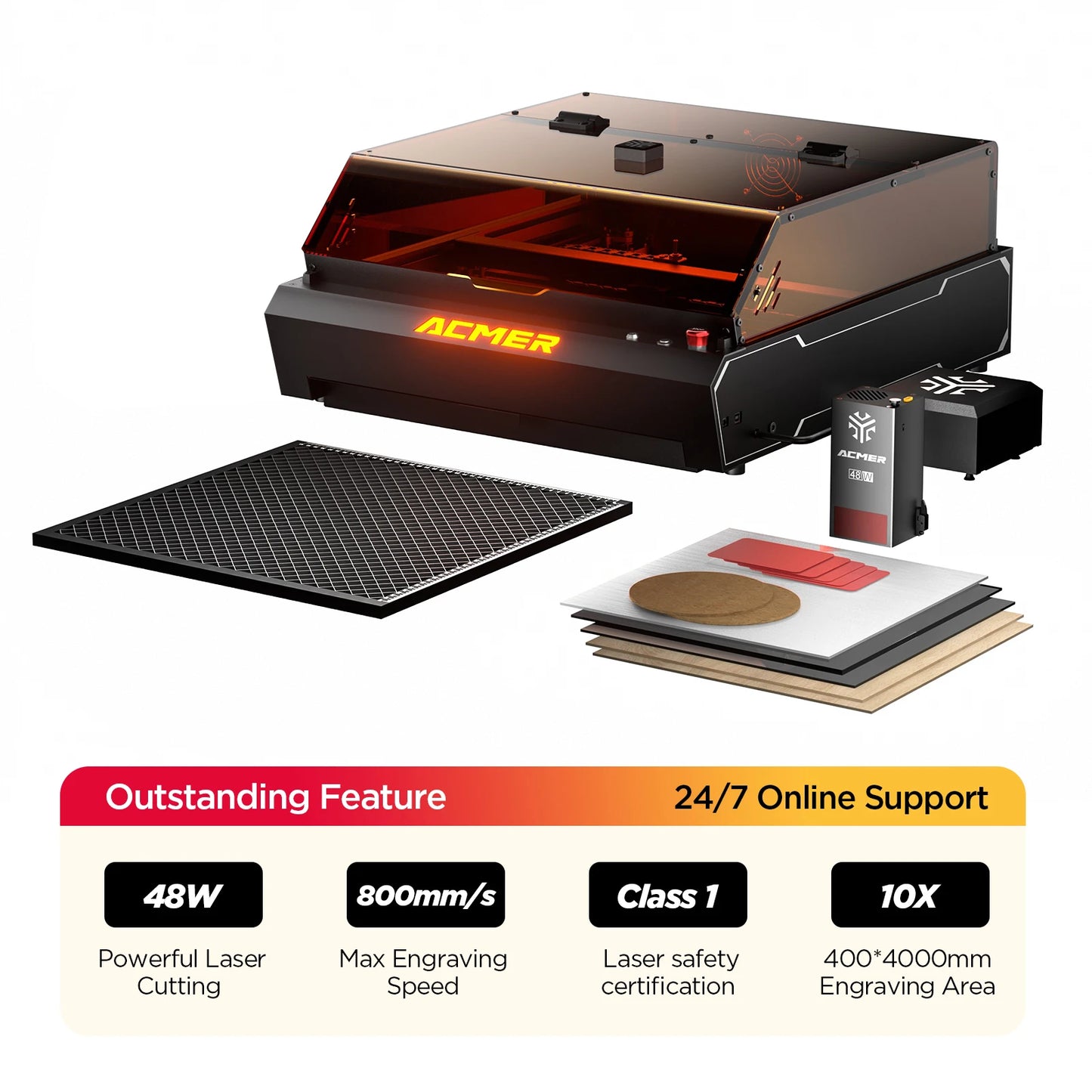
ACMER P3 Laser Cutter Engraving Machine is a fully enclosed, dual-laser system designed for homeschooling families who want safe, hands-on fabrication in the home classroom. It brings design-to-production into your curriculum, supporting projects across STEM, art, and design subjects.
Key Features & Design
- Fully enclosed safety shell with an integrated fume extraction system (up to 4000 RPM) and a Micro-Airflow Mode to minimize smoke and protect young makers.
- CoreXY movement delivers precise, blur-free engraving at high speeds—up to 800 mm/s—ideal for ambitious home projects.
- Dual-laser head (24W / 48W) built from eight 6W diodes, offering powerful engraving and cutting capabilities with configurable power for different materials.
- 400x400 mm engraving/working area within a compact footprint (577x655x286 mm) to fit most home classrooms and maker spaces.
- Large HD camera (400x400) with LightBurn compatibility for real-time positioning, previews, and accurate project alignment without constant test runs.
- Versatile material compatibility supports wood, bamboo, paper, plastic, leather, PCB, ceramic, aluminum oxide, non-reflective coatings, lacquered metal, and more.
- Software & system compatibility with LightBurn, LaserGRBL, and ACMER Tool; compatible across macOS, Windows, and Linux.
- Integrated design for home use with smart-device capabilities to streamline workflows and project management in a homeschool setting.
Performance / Benefits
Designed for home-based learners, the ACMER P3 transforms digital designs into tangible outcomes, helping students grasp both the artistry and science behind laser fabrication. Key benefits include:
- Clear alignment with homeschool curricula—perfect for STEM labs, design and technology (D&T), and art & craft projects. Students learn CAD design, vector vs. raster engraving, material properties, and safe machining practices.
- Hands-on project opportunities—create personalized name signs, custom coasters, wooden puzzles, classroom labels, science props, and classroom decorations that reinforce design thinking and project planning.
- Efficient learning workflow—the 400x400 mm workspace combined with a real-time camera preview reduces setup time, minimizes material waste, and accelerates iteration cycles for student-driven projects.
- High-quality results across materials—the 24W/48W laser head enables fine engraving textures on wood and ceramic, as well as clean cuts in plywood and dark acrylic when settings are optimized.
- Educational depth—students explore parameter optimization (power, speed, passes), lens care, and maintenance, gaining practical insights into manufacturing processes and safety protocols.
- Practical usage scenarios—teacher-led demonstrations, independent student projects, family STEM fairs, and portfolio-worthy craft creations that document learning progression.
- How it compares in a homeschool setting—offers enclosed safety, integrated fume management, a built-in camera for precise placement, and flexible software support, which reduces trial-and-error and keeps focus on learning outcomes.
Tips for getting started in a homeschool environment:
- Begin with scrap material to establish safe power and speed presets before working on final projects.
- Plan designs with kerf awareness to ensure pieces fit together as intended in assemblies or puzzles.
- Use the LightBurn camera to position designs accurately on the chosen material, then run raster or vector passes as needed.
- Ventilation and eye safety are important—keep the enclosure closed during operation and follow safety guidelines for laser use at home.